Overview
IntelliCarrier is the driver-side app of a transport management system. Drivers use it on the road to follow their freight orders, report progress stage by stage, and send back proof and expenses — so the back office sees what's happening in real time.
I designed the end-to-end mobile experience: information architecture, the full shipment-update flow, expense and parking logs, package scanning, attendance, and bilingual English/Thai UI. Screens shown here use demo data.
Problem
Drivers work one-handed, on the move, often with patchy signal. Updating a shipment shouldn't feel like filling in a back-office form.
- Shipment status, stops, and documents were scattered across calls, chats, and paper.
- Dispatchers didn't know a stage was done until the driver phoned in.
- Fuel, parking, and other receipts were collected on paper and often lost.
- Proof of delivery — signature and photo — had no consistent format.
One clear next step, every time.
Stage-driven
Every shipment moves through Start → Loading → Customer → Last stage. The app always shows where you are and what to do next.
Big, obvious actions
Full-width buttons, strong status colours, and a bottom bar for Scan, My Deliveries, Add Expense, and Check In/Out.
Capture, don't type
Scan QR codes, photograph receipts, and verify location with GPS instead of typing details by hand.
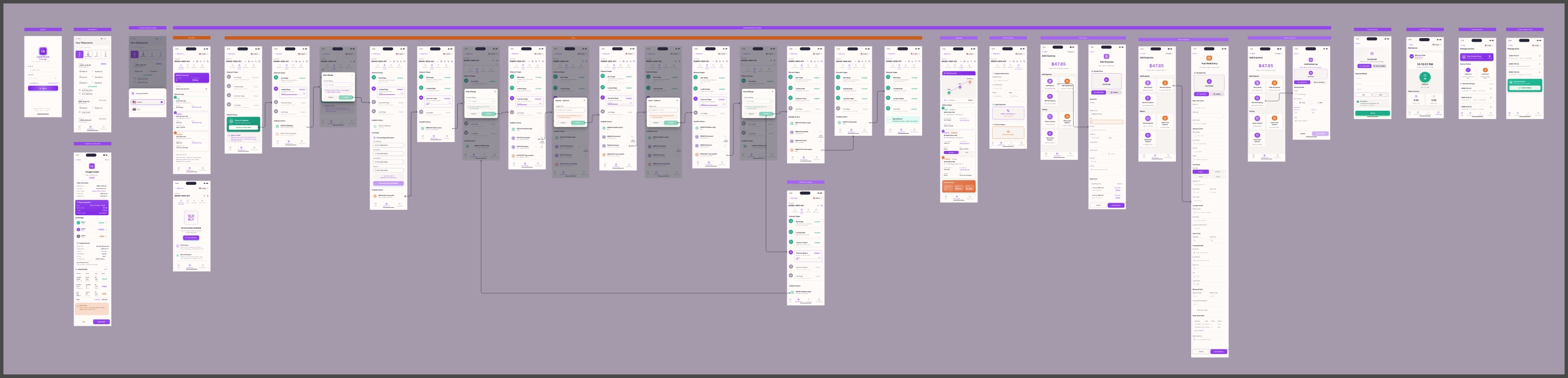
User Flow
The full journey mapped in Figma — from login, through every shipment event, to expenses, scanning, and attendance.
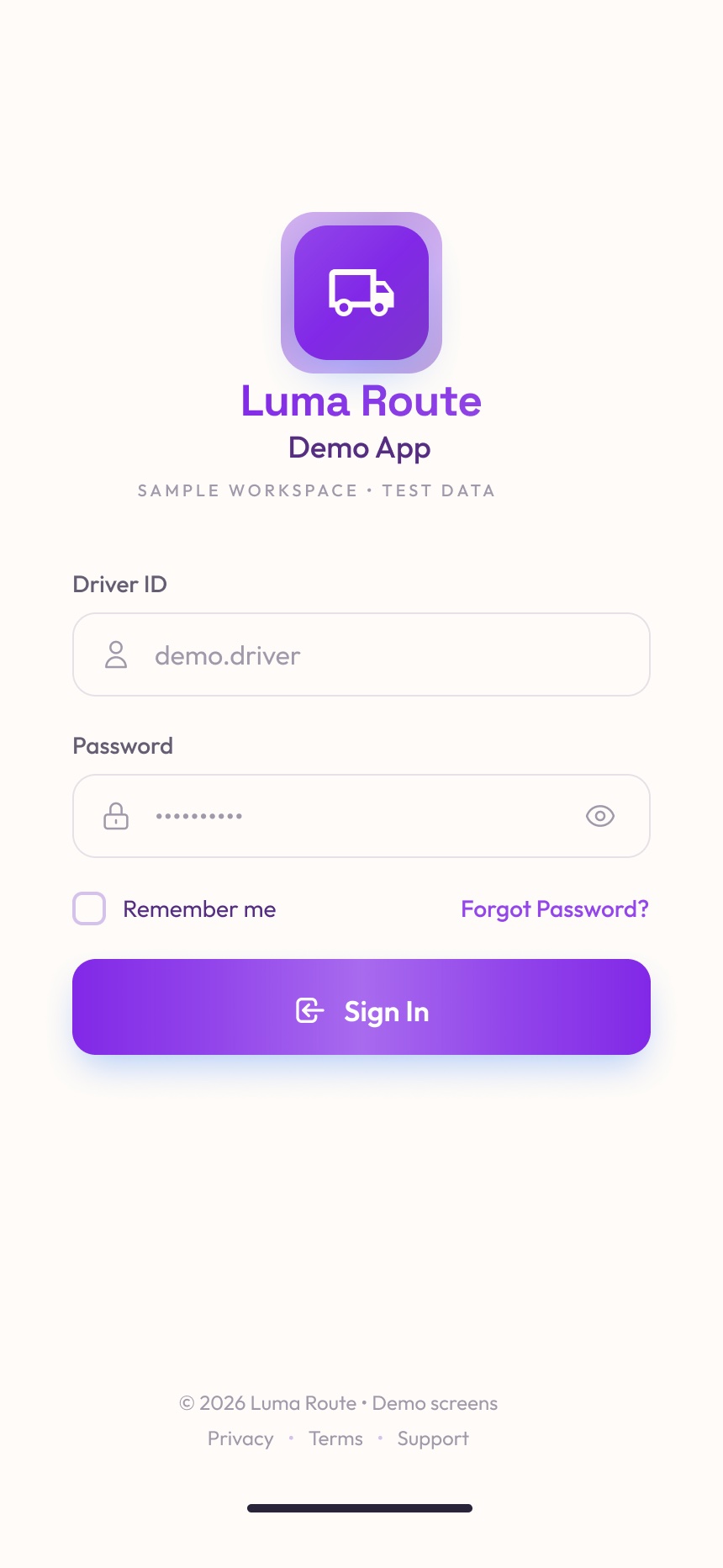
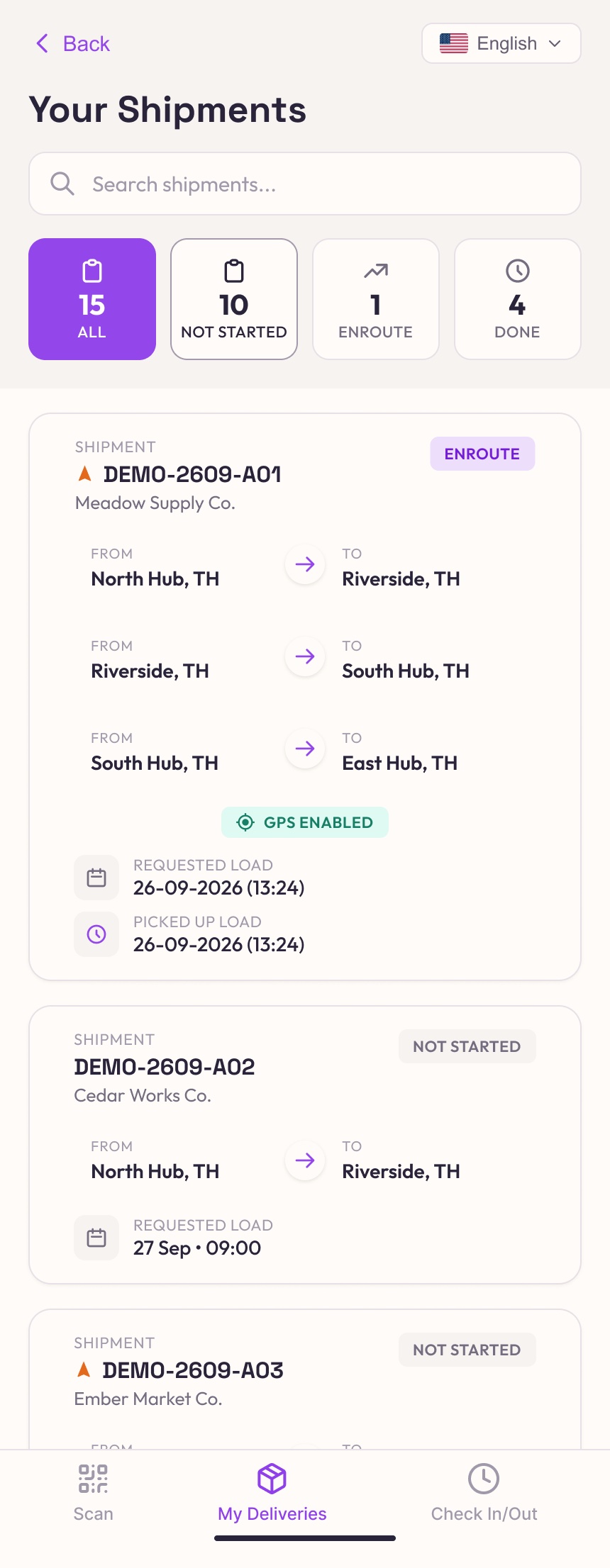
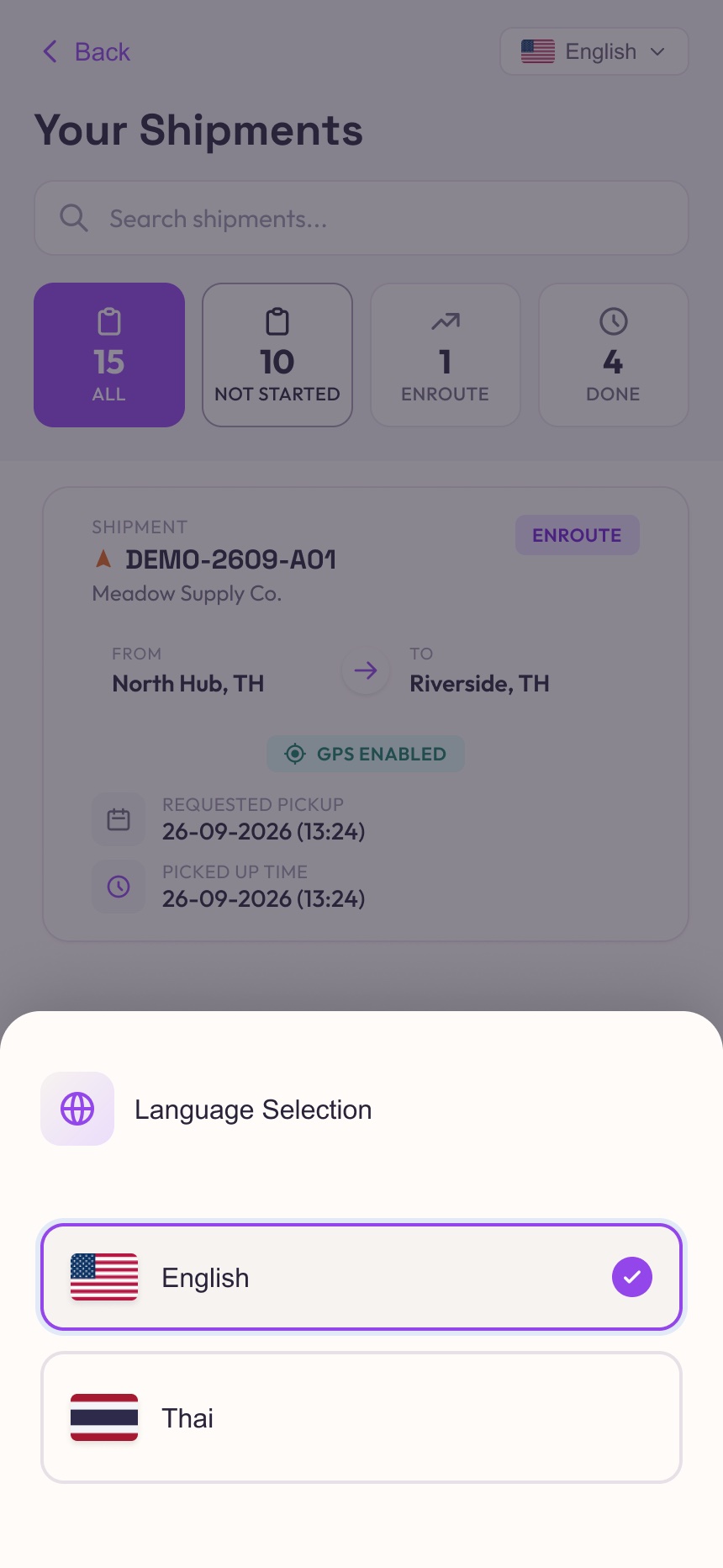
Getting Started
Sign in, see today's work, and switch language in one tap.
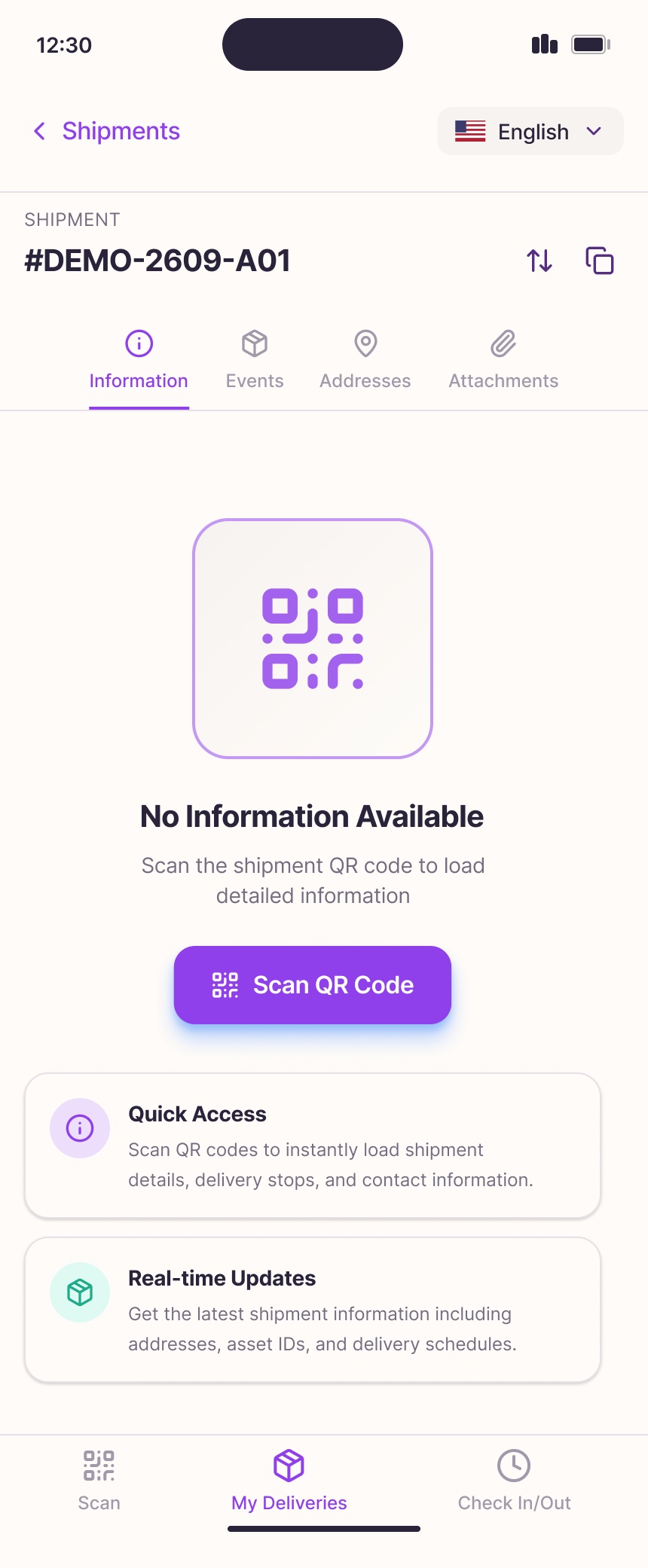
Shipment Detail
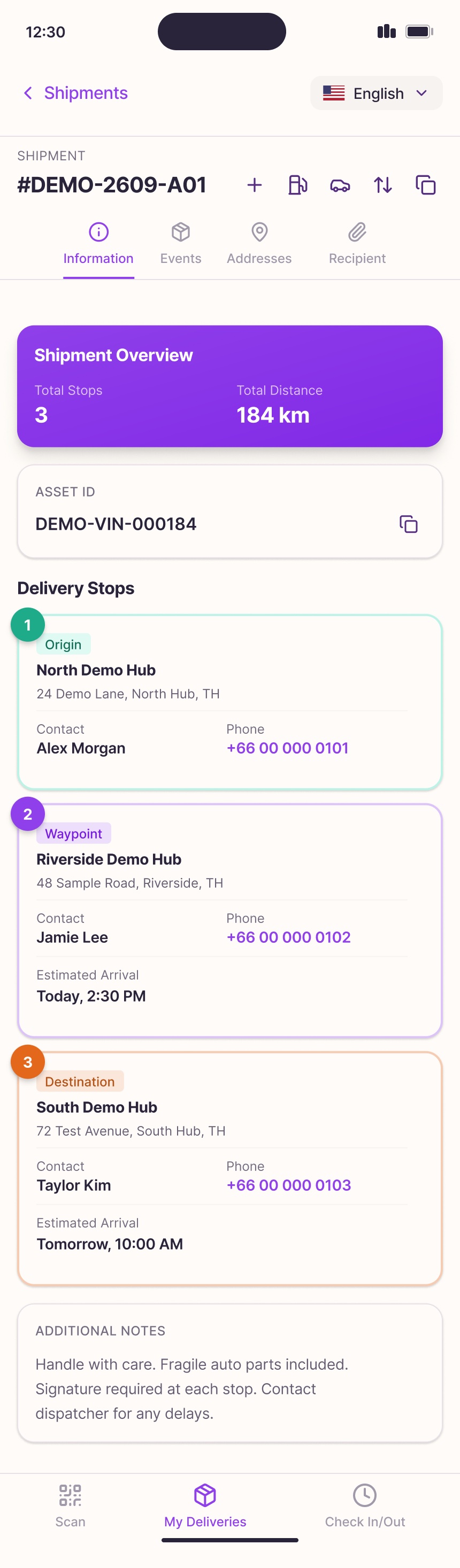
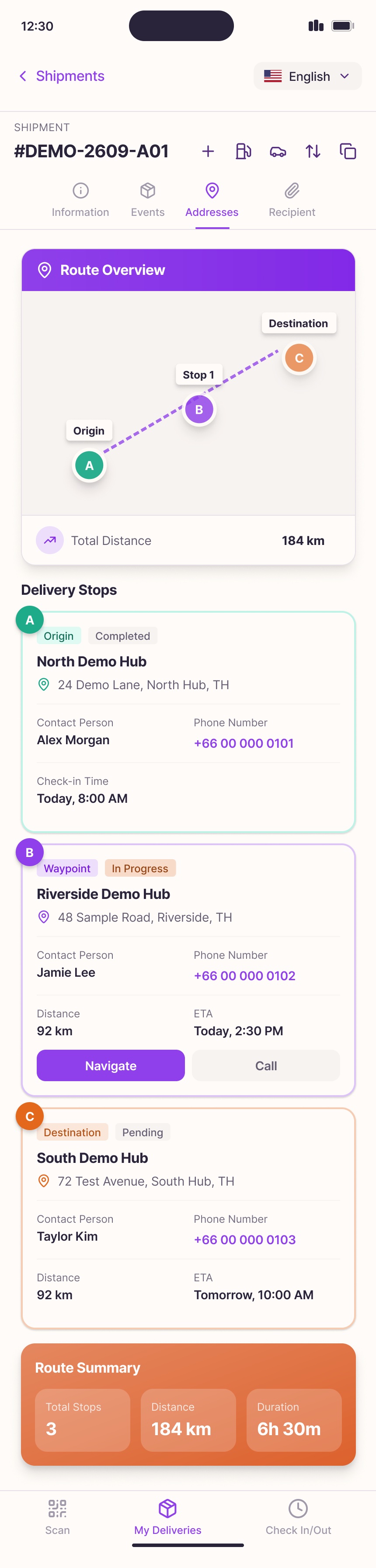
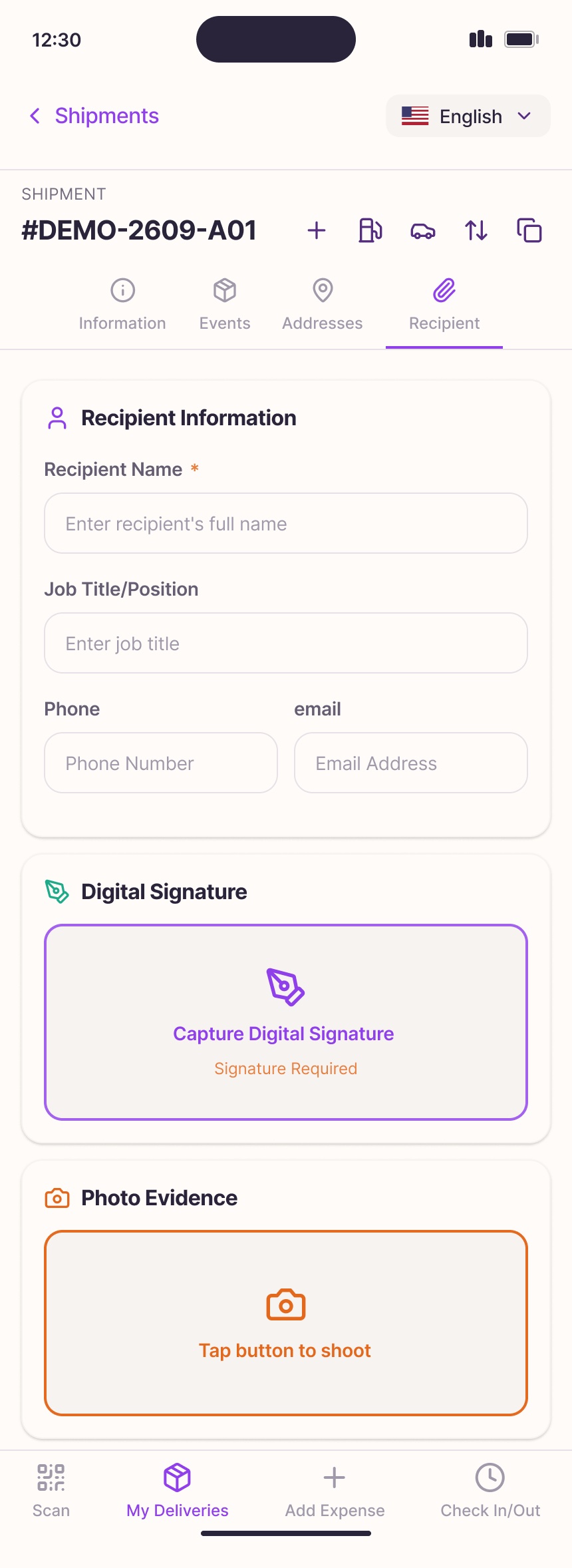
Four tabs — Information, Events, Addresses, Recipient — keep everything about a shipment in one place.
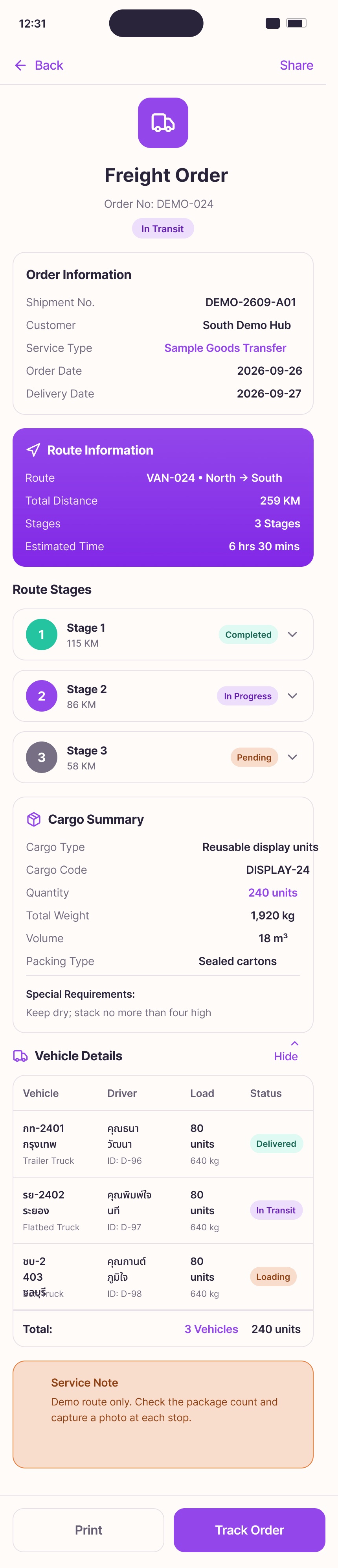
Updating Progress
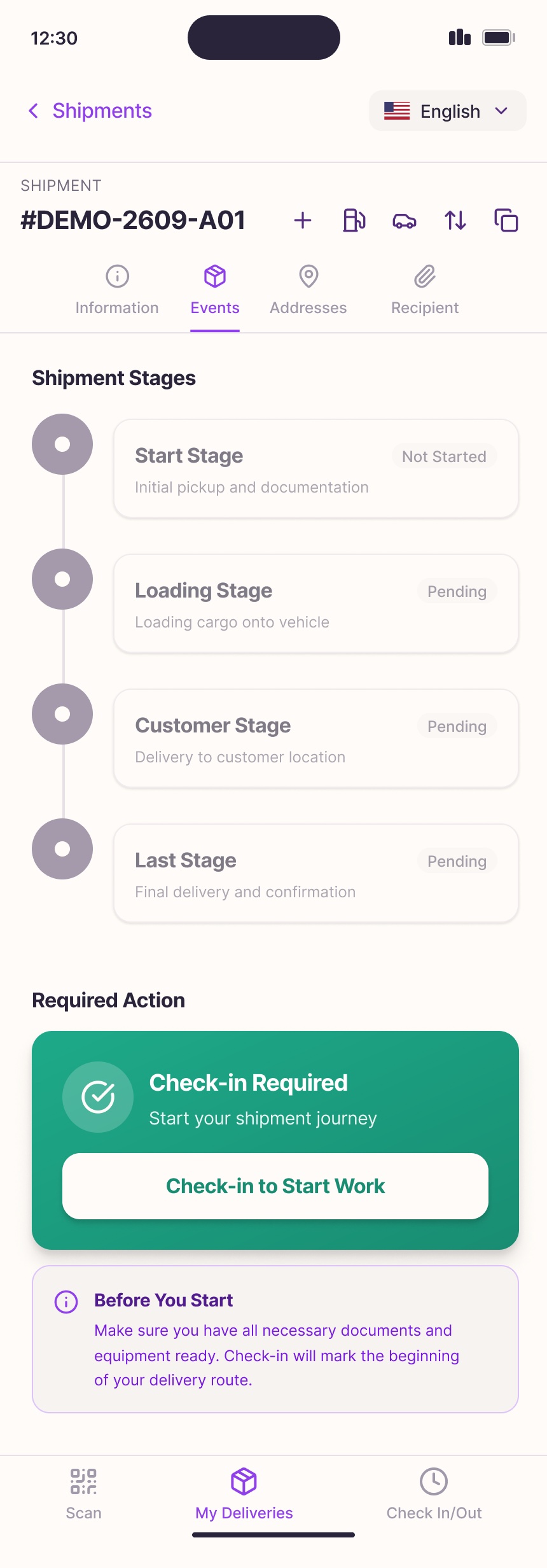
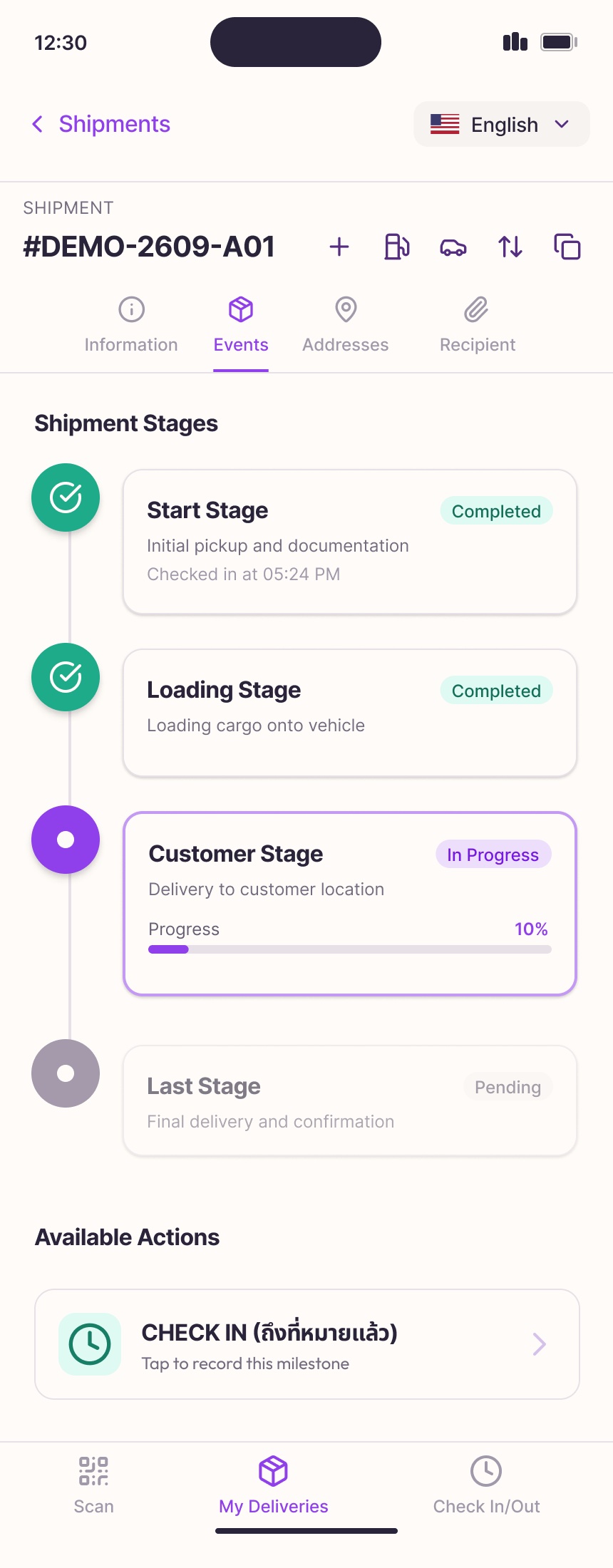
The Events tab turns a delivery into a simple checklist of stages.
Each stage shows its status — Not started, Pending, In progress, Completed — with a timestamp once checked in. A green "Check-in Required" card tells the driver exactly what to do next, and a progress bar shows how far the current stage has gone. When there are multiple customers, each stop gets its own stage.
Expenses & Logs
Receipts become data at the moment they're paid.
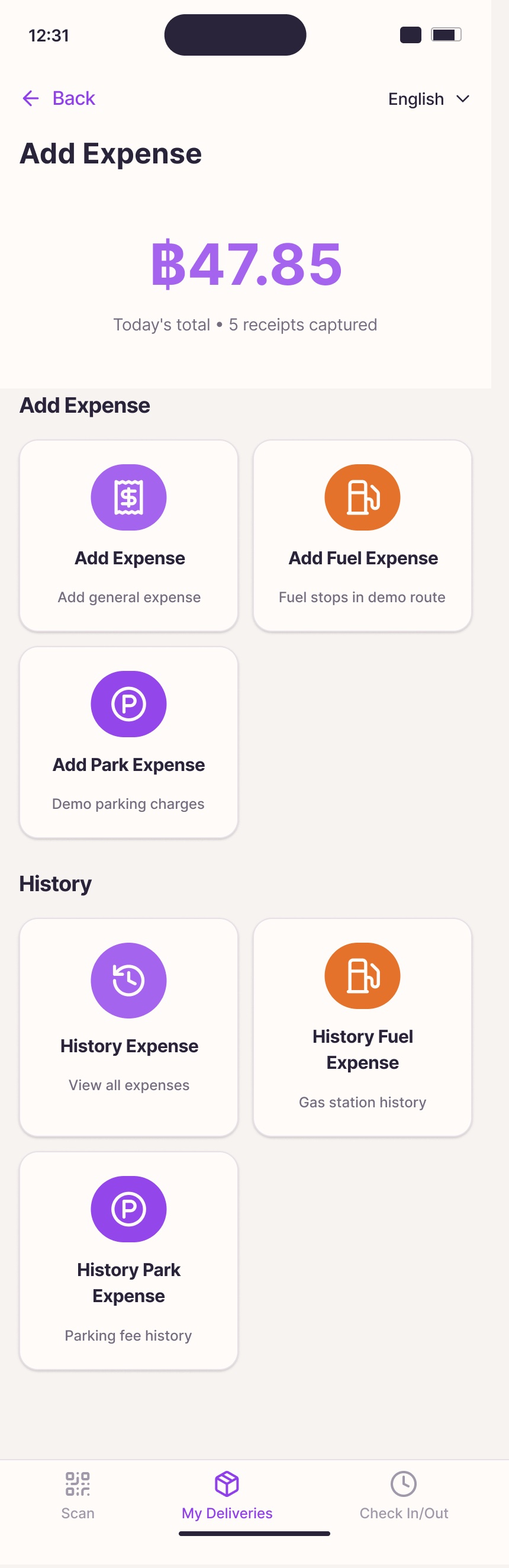
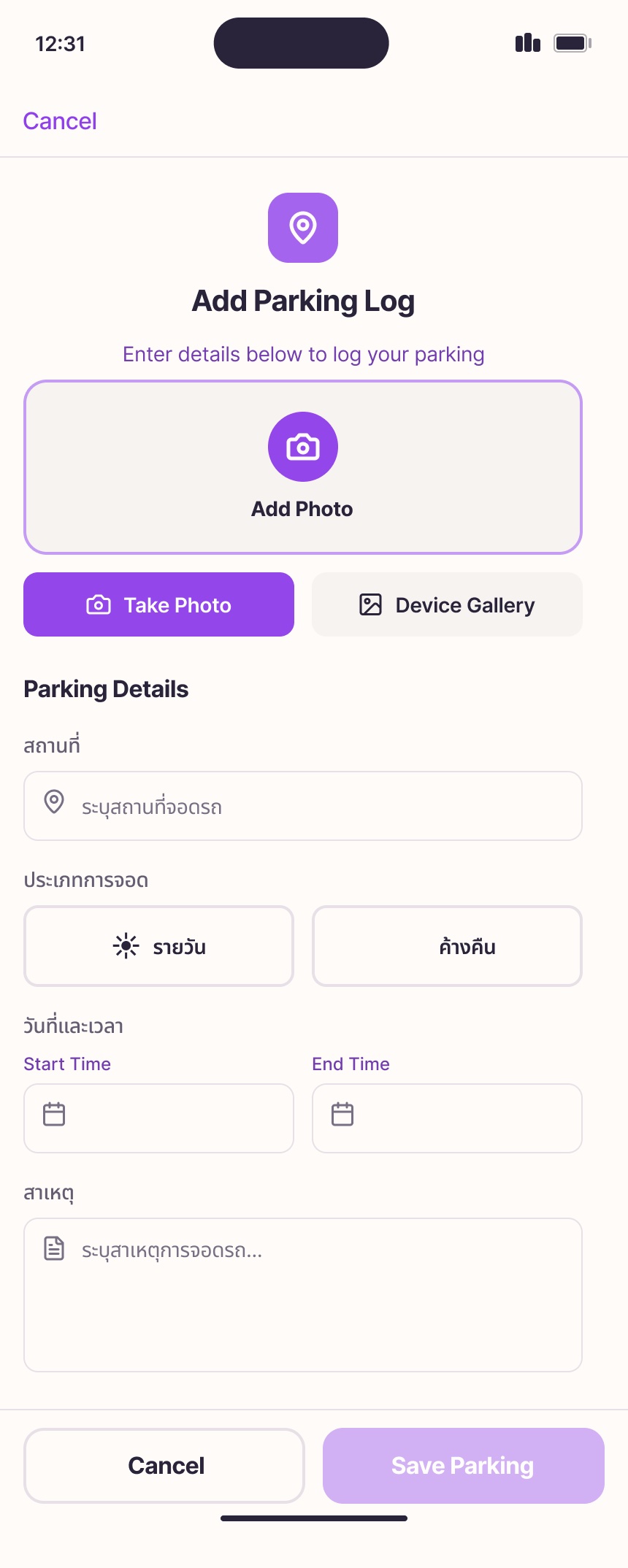
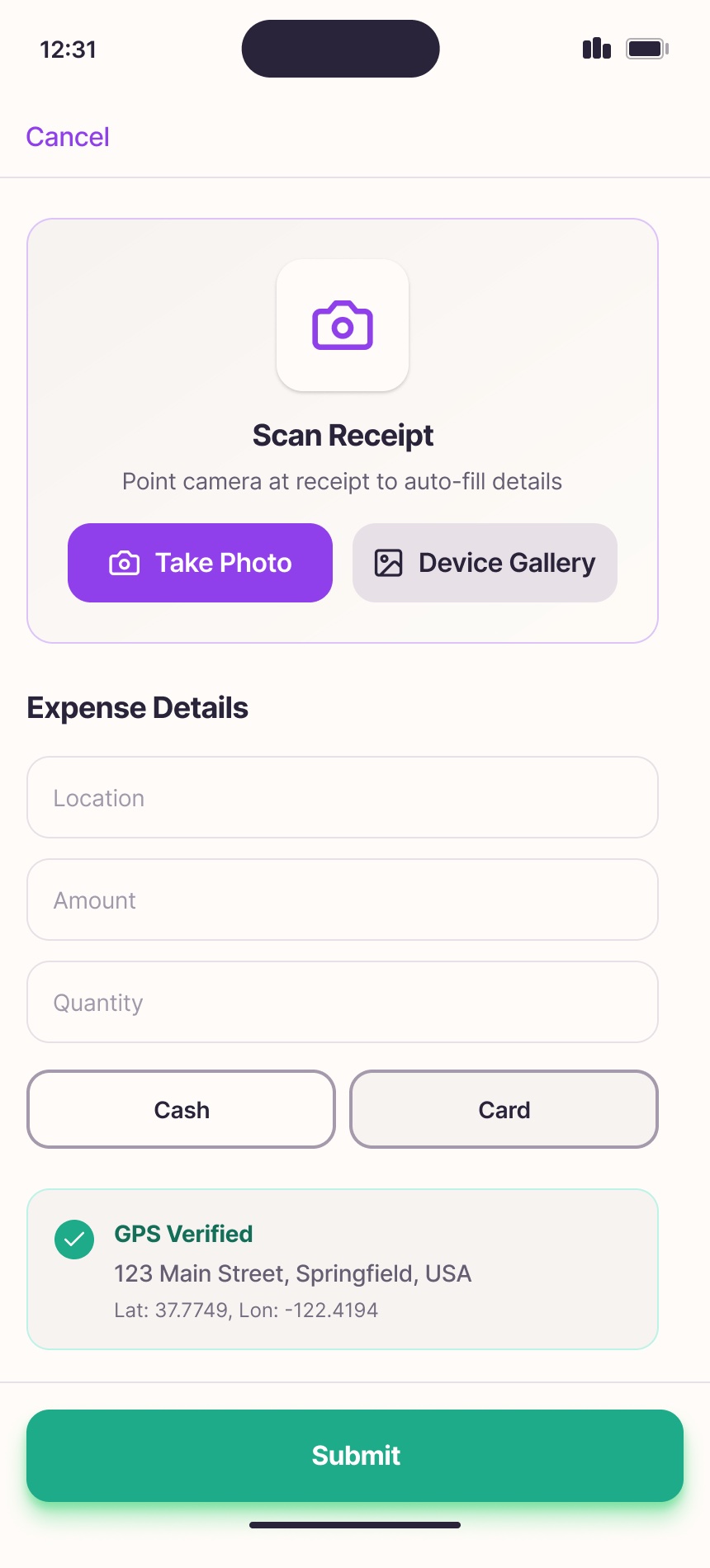
Add Expense shows today's total and receipt count, then offers three entry types — general, fuel, and parking — plus history. Every form starts with a photo, and Scan Receipt uses the camera to auto-fill amount and location, with GPS verification.

Shift Tools
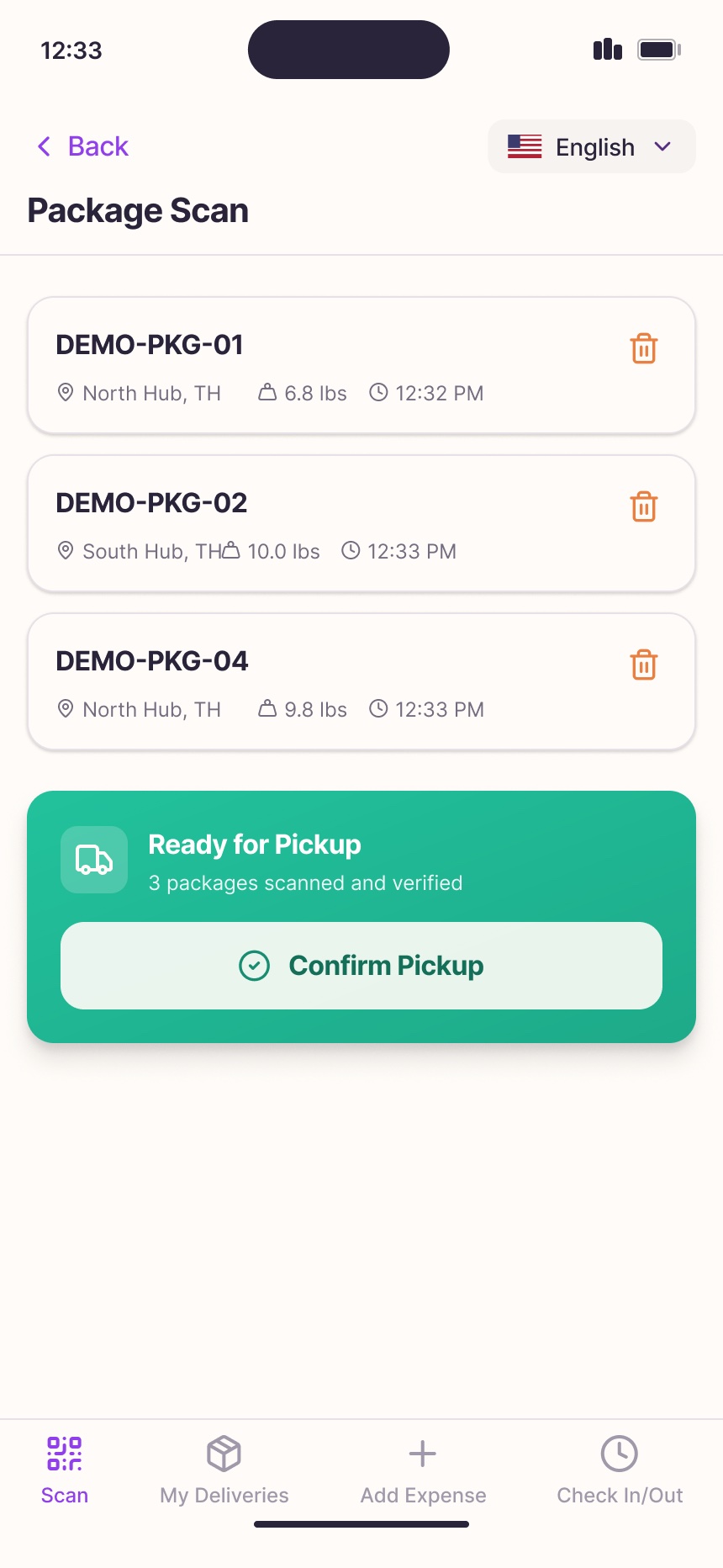
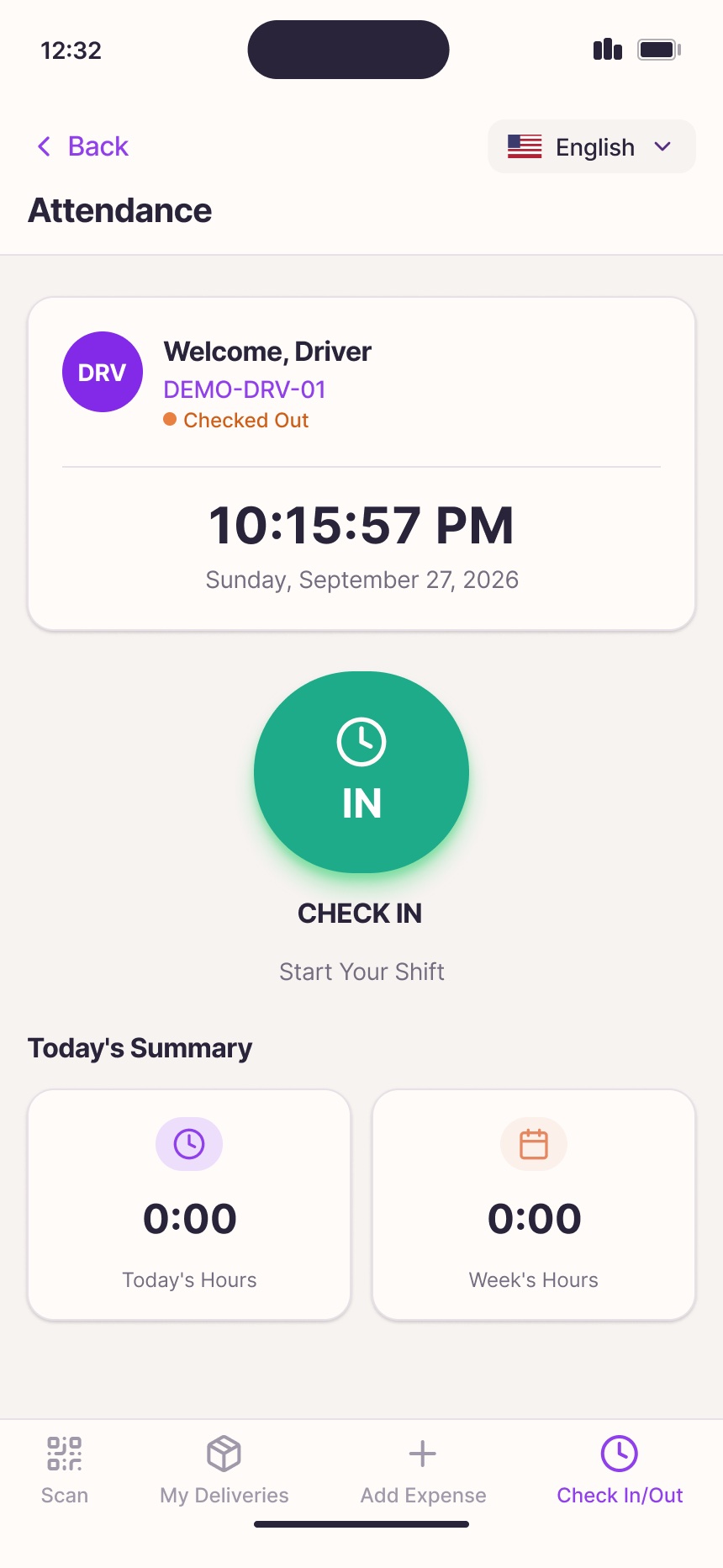
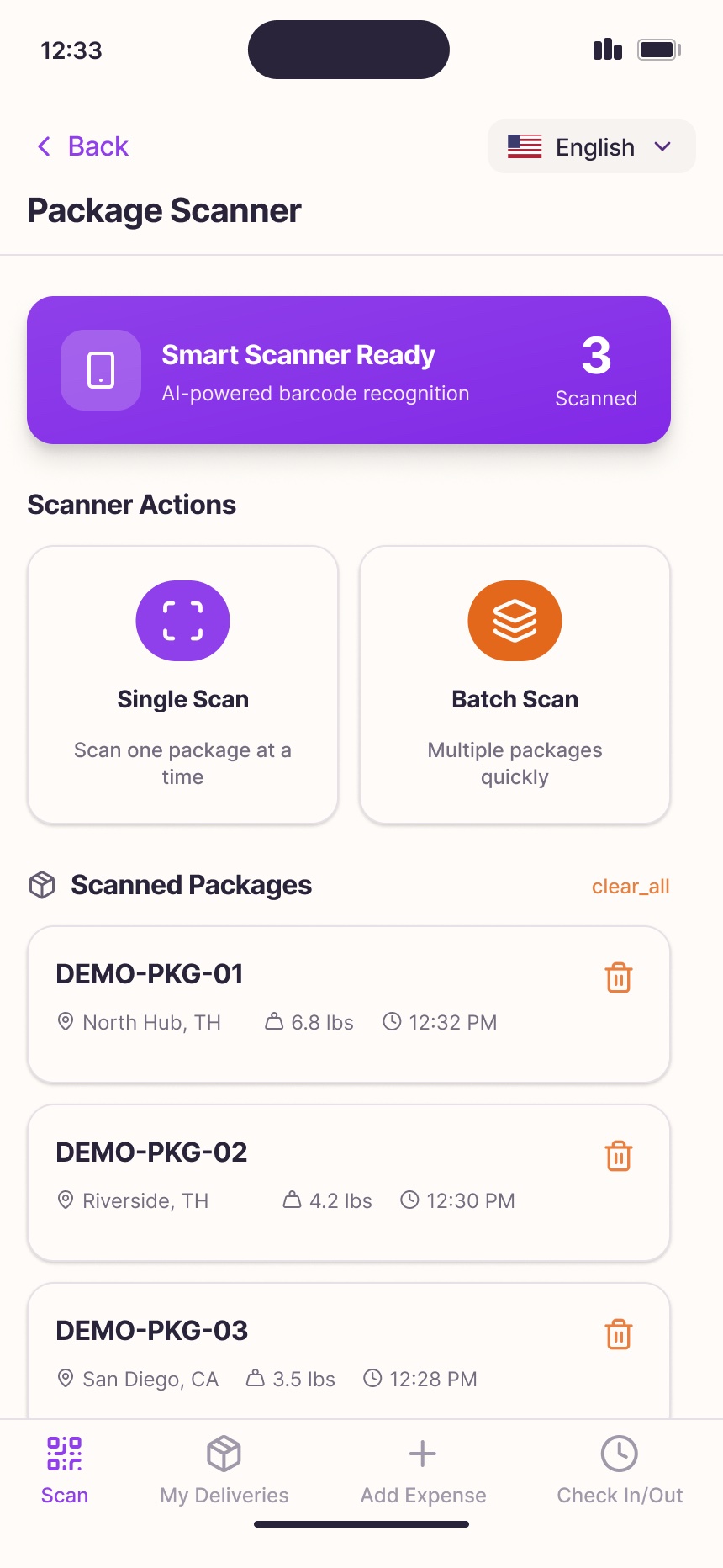
Attendance and package scanning built into the same app.
Outcome
A complete, bilingual driver app design — ready for development — covering the whole working day on the road.
- Shipment progress reported stage by stage, with timestamps the back office can trust.
- Proof of delivery standardised with signature and photo.
- Fuel, parking, and general expenses captured on the spot with receipt photos.
- Attendance and package scanning in the same app, one consistent design language.